Prompt engineering is the practice of writing clear, specific instructions for an AI tool so it produces the result you actually want, rather than a vague or generic response. It's less a technical skill and more a communication skill — the better you describe your goal, audience, and format, the better the output.
You don't need any technical background to get good at this. This guide breaks down the core principles and gives you eight templates you can copy, paste, and adapt right now.
Why Does Prompt Engineering Matter for Beginners?
Prompt engineering matters because the same AI tool can produce a mediocre answer or an excellent one depending entirely on how the question is asked. Two people using the exact same AI model will get very different quality results if one writes "write a blog post about coffee" and the other specifies the audience, length, tone, and key points to cover.
Learning even the basics — being specific about what you want — improves your results dramatically more than learning any advanced technique.
The 3-Part Formula for Any Good Prompt
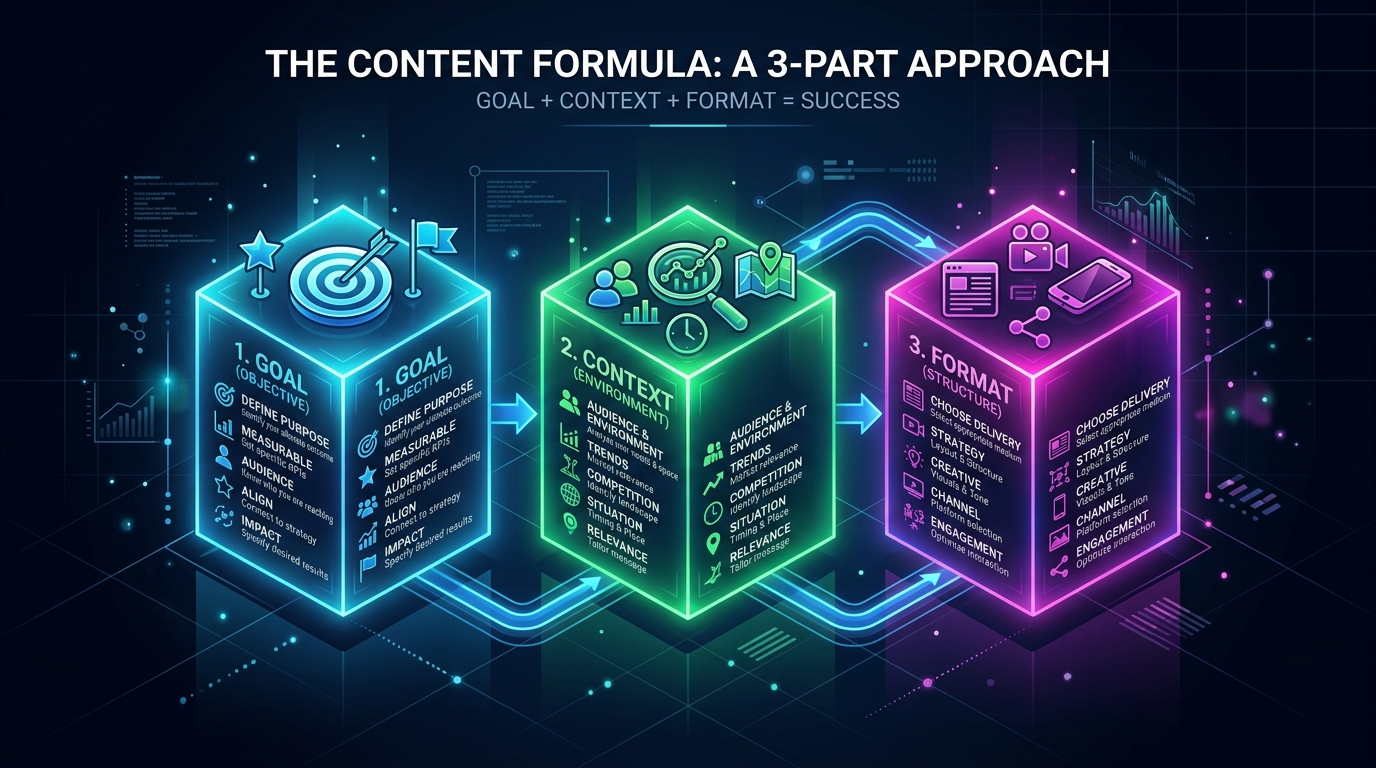
Every effective prompt covers three things: the goal (what you want), the context (who it's for, what you already know), and the format (length, tone, structure). Missing any one of these usually forces the AI to guess, and guesses produce generic output.
- Goal — "Write a product description..."
- Context — "...for a handmade candle brand aimed at Gen Z shoppers..."
- Format — "...in under 60 words, casual tone, with one emoji."
Combined: "Write a product description for a handmade candle brand aimed at Gen Z shoppers, under 60 words, casual tone, with one emoji."
How Do I Write a Prompt for Writing Tasks?
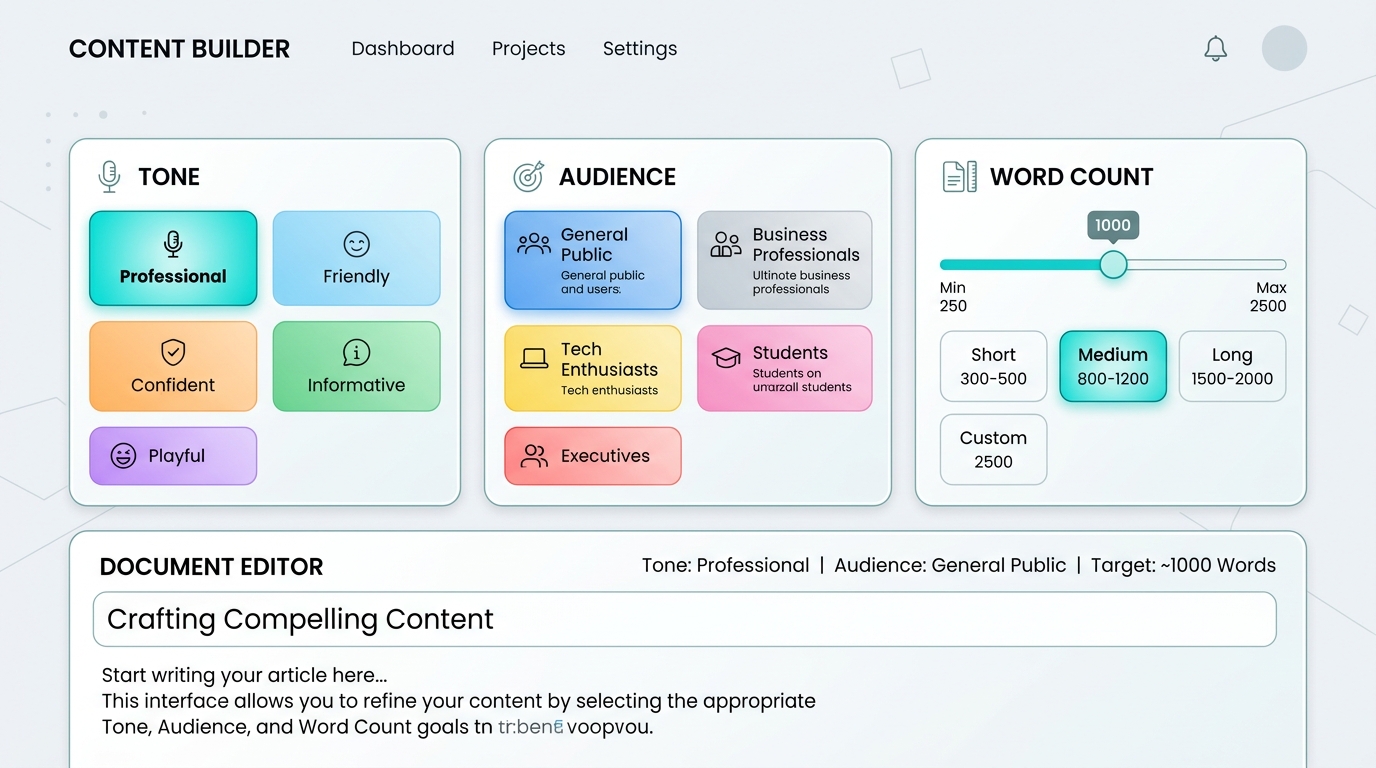
For writing tasks, specify the topic, the audience, the desired length, and the tone you want, since these four details eliminate most of the guesswork an AI tool otherwise has to do. A prompt like "write about productivity" could produce almost anything; a prompt with all four details produces something close to publish-ready on the first try.
Template — General writing:
"Write a [length] [content type] about [topic] for [audience]. Tone: [tone]. Include: [specific points to cover]."
Template — Email:
"Write a professional email to [recipient] about [topic]. Keep it under [word count] words. Tone: [polite/direct/friendly]."
How Do I Write a Prompt for Research Tasks?
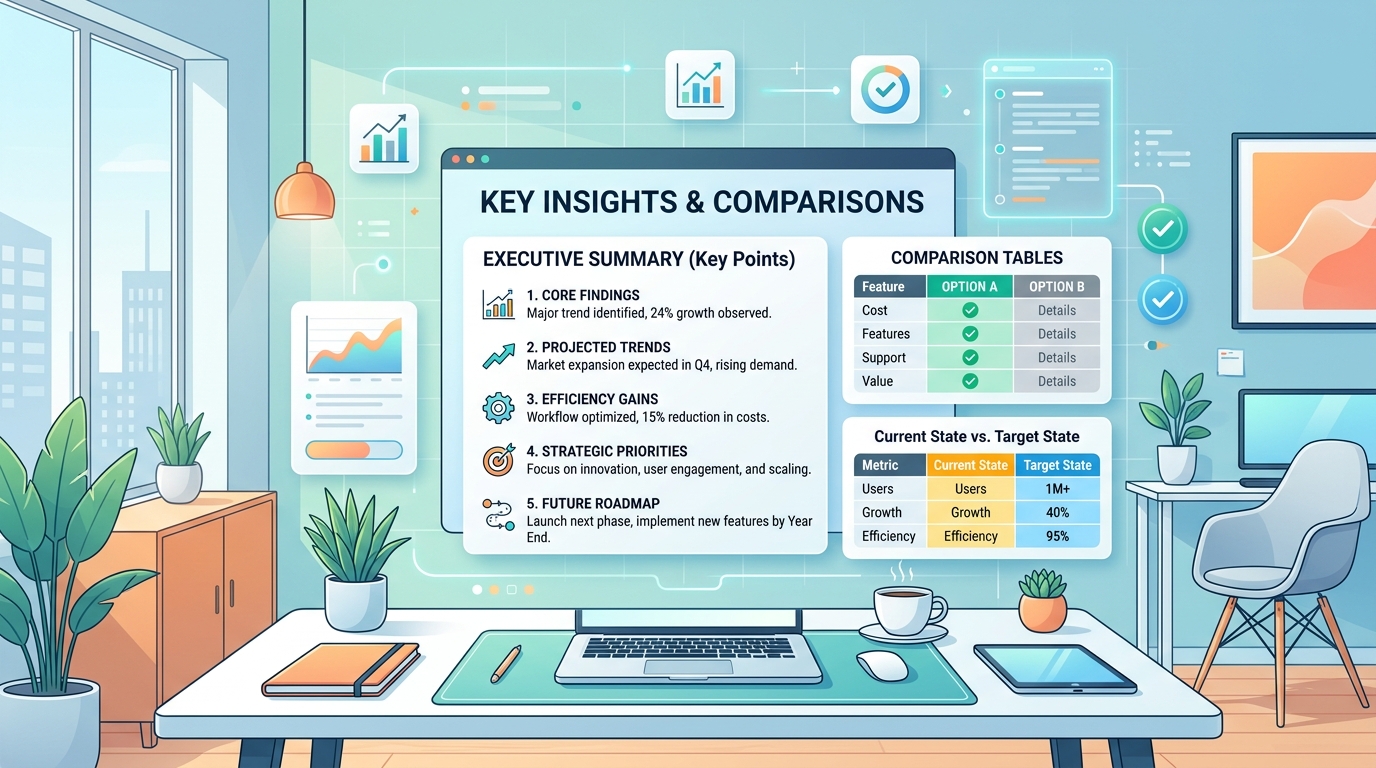
For research tasks, ask the AI tool to summarize, compare, or explain a topic and specify how deep you want it to go, since research prompts benefit from an explicit depth marker like "beginner-level" or "with technical detail." Tools like Perplexity are particularly strong here because they cite sources automatically.
Template — Summarizing:
"Summarize [topic/document] in [number] bullet points, written for someone with no background in the subject."
Template — Comparing:
"Compare [option A] and [option B] across [criteria 1], [criteria 2], and [criteria 3]. Present as a table."
How Do I Write a Prompt for Everyday Tasks?
For everyday tasks like planning, organizing, or brainstorming, give the AI tool your constraints upfront (budget, time, number of options) so it doesn't return open-ended suggestions you have to filter yourself. Constraints are what separate a genuinely useful list from a generic one.
Template — Brainstorming:
"Give me [number] ideas for [goal], considering [constraint 1] and [constraint 2]. Rank them by [criteria]."
Template — Planning:
"Create a [timeframe] plan to [goal]. I have [constraint, e.g. 30 minutes a day]. Format as a checklist."
How Do I Write a Prompt for Coding Help?
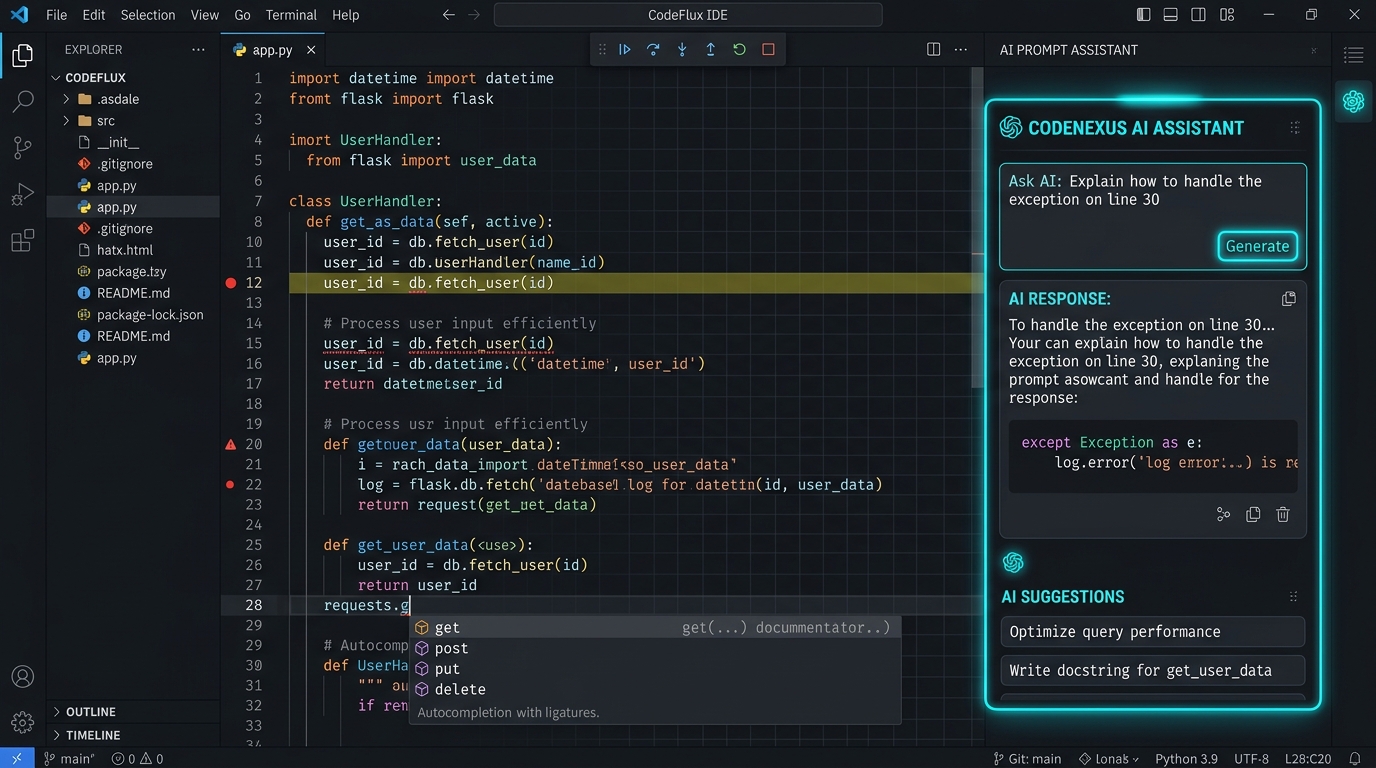
For coding help, state the programming language, what the code should do, and any specific requirements or constraints, since AI tools can otherwise return code in the wrong language or style for your project. Including an example of the expected input/output also dramatically improves accuracy.
Template — Code request:
"Write a [language] function that [does X]. Input: [example]. Output: [example]. Include comments explaining each step."
What Mistakes Do Beginners Make With Prompts?
The most common beginner mistake is being too vague — asking for "help with marketing" instead of specifying the product, audience, platform, and goal, which forces the AI to guess at details that dramatically change the right answer. Other frequent mistakes include not stating a length or format (leading to overly long or short responses) and not asking for revisions when the first result isn't quite right.
Treat your first prompt as a draft, not a final answer — following up with "make it shorter" or "make the tone more casual" is a normal part of the process, not a sign you did something wrong.
Can I Just Keep Asking Follow-Up Questions?
Yes — refining your request through follow-up messages is one of the most effective prompting techniques, since AI tools remember the context of your conversation and can adjust their previous answer rather than starting over. Instead of trying to write the "perfect" prompt on the first attempt, treat prompting as a back-and-forth conversation.
Frequently Asked Questions
Is prompt engineering a real skill worth learning?
Yes — while it doesn't require technical training, being specific and clear in your prompts consistently produces better results across every AI tool, making it a practical skill for anyone who uses AI regularly.
Do I need to learn special commands or code to write good prompts?
No — good prompts are written in plain English. The skill is about clarity and specificity, not memorizing special syntax or commands.
How long does it take to get good at prompt engineering?
Most people notice a significant improvement in their results within their first few days of intentionally including goal, context, and format in their prompts.
Are there different prompting techniques for different AI tools?
The core principles (being specific about goal, context, and format) apply across ChatGPT, Claude, Gemini, and other major tools, though each may respond slightly differently to the same prompt.
Can bad prompts give me wrong information?
Vague prompts are more likely to produce generic or incomplete answers, and for factual topics, always verify important information regardless of how the prompt was written, since AI tools can state incorrect information confidently.
Ready to put this into practice? See our Complete Beginner's Guide to AI Tools to pick which tool to try these templates on.