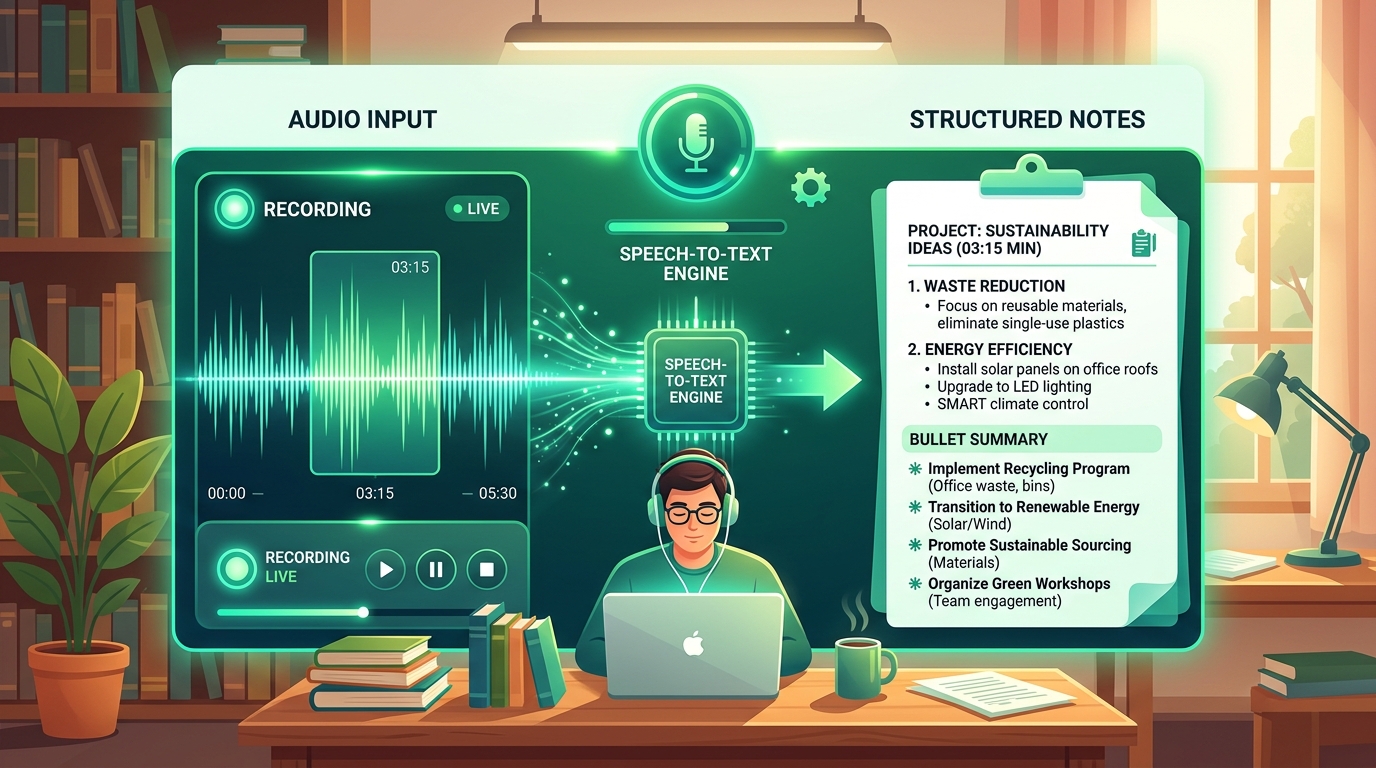
The best genuinely free AI tools for students in 2026 are ChatGPT for writing and study help, Perplexity for research with cited sources, Claude for working through long readings, and Otter.ai for transcribing lectures — all four offer free tiers with enough daily usage for regular schoolwork, not just a few trial uses. This guide flags which tools have honest free tiers versus which ones quietly restrict you after a handful of uses.
Free Tier Honesty Table
| Tool | Best For | Free Tier Reality | Daily Use Realistic? |
|---|---|---|---|
| ChatGPT | Essays, study help, brainstorming | Generous daily limit | Yes |
| Perplexity | Research with sources | Generous daily limit | Yes |
| Claude | Long readings, careful writing | Generous daily limit | Yes |
| Otter.ai | Lecture transcription | Limited monthly minutes | Light use only |
| Canva (Magic Studio) | Presentations, visuals | Limited monthly credits | Light use only |
What Are the Best Free AI Tools for Writing Essays?
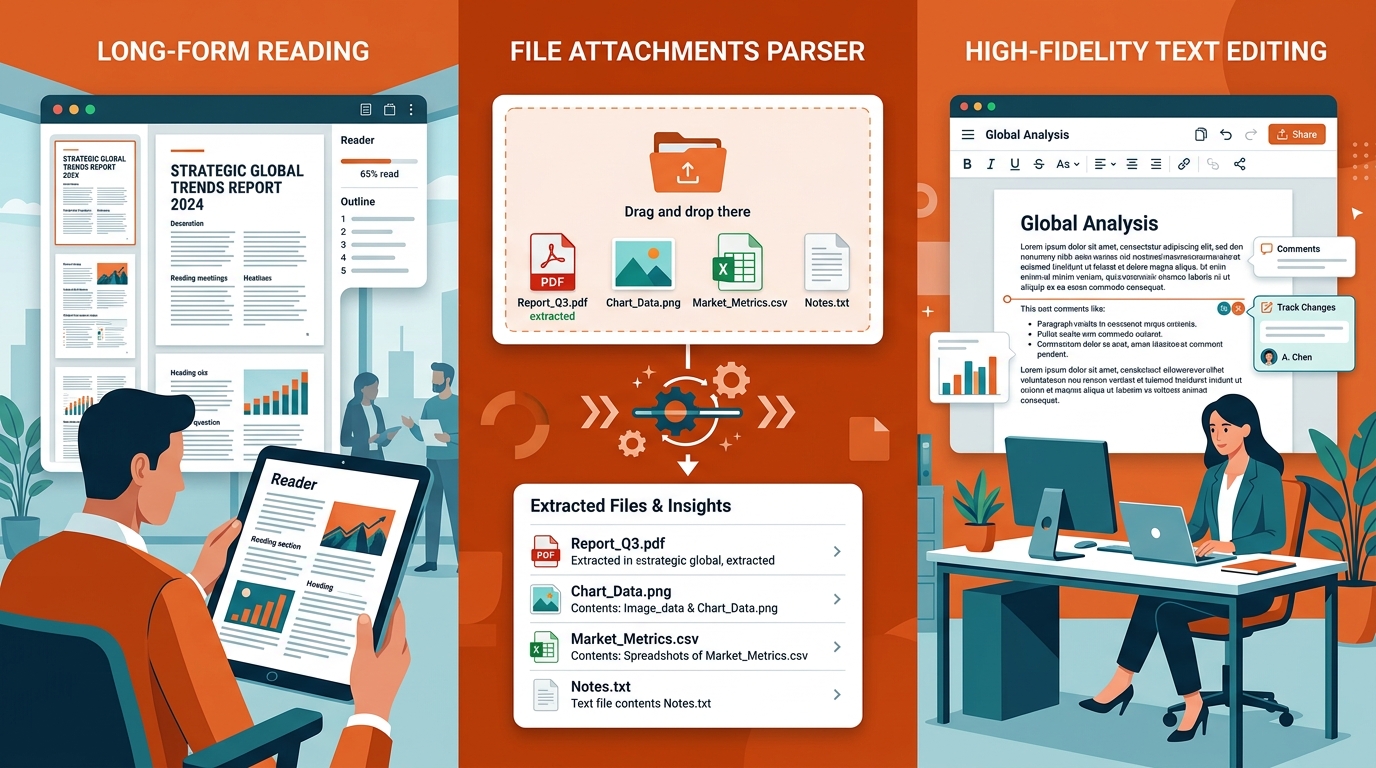
ChatGPT and Claude are the strongest free options for essay help, since both can brainstorm outlines, explain concepts, and give feedback on drafts without hitting a paywall during normal daily use. Claude tends to work better if you're pasting in a long reading or draft, since it handles longer documents more comfortably.
Important: use these tools to brainstorm, outline, and get feedback — not to write your final submission word-for-word, since most schools have academic integrity policies around AI-generated text, and the value of the assignment comes from your own reasoning.
What Are the Best Free AI Tools for Research?
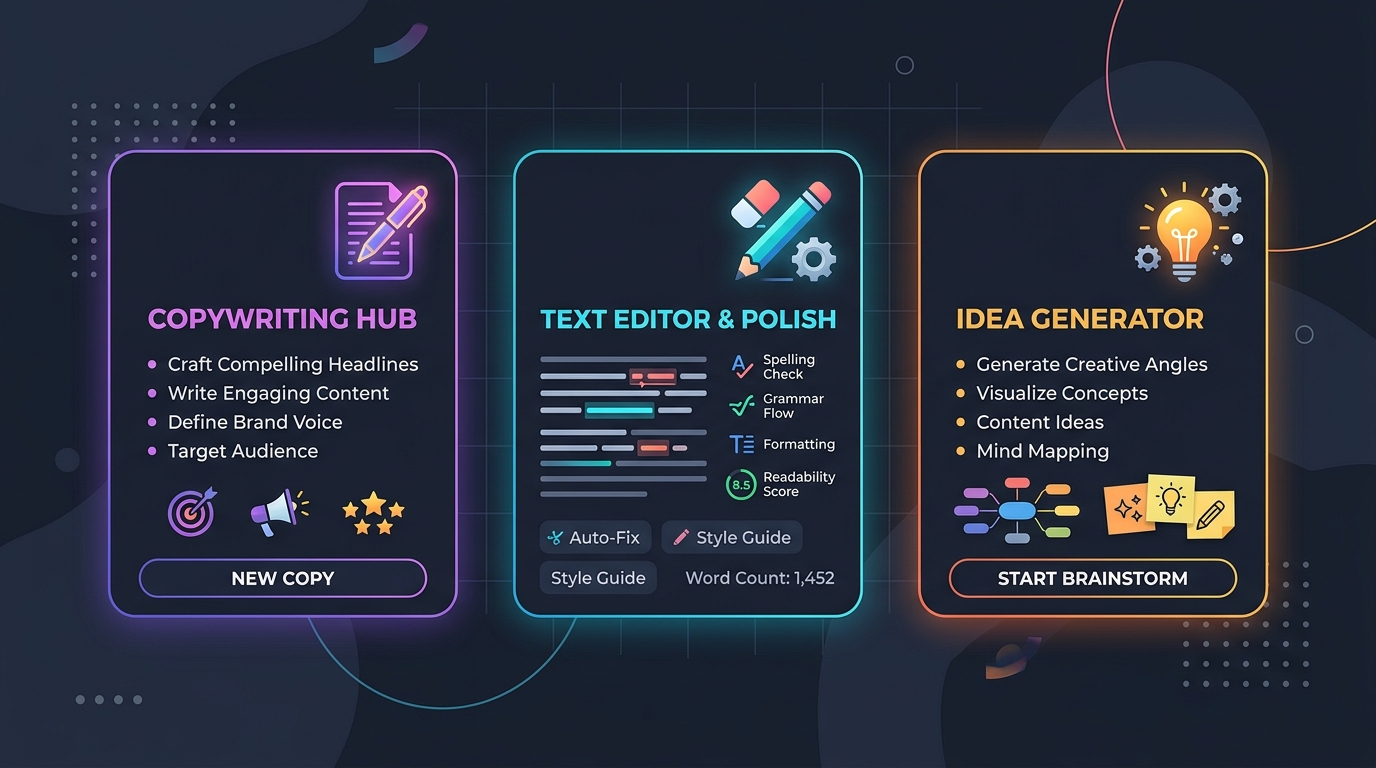
Perplexity is the strongest free option for research because every answer includes clickable source citations, letting you verify information and find primary sources for citations in your own work. This solves one of the biggest problems with AI for schoolwork — not knowing where an answer actually came from.
For source-heavy assignments, run your question through Perplexity first, then follow the citations back to the original articles or studies rather than citing the AI summary directly.
What Are the Best Free AI Tools for Note-Taking?

Otter.ai's free tier is the most practical option for transcribing lectures, offering enough monthly minutes for regular use in a typical course load, though heavy users (multiple long lectures per week) will likely hit the limit before the month ends. If you exceed the free limit, pairing a free transcription tool with ChatGPT for summarizing your notes afterward extends the free workflow further.
What Are the Best Free AI Tools for Presentations?
Canva's Magic Studio features offer free AI-assisted slide design, image generation, and layout suggestions, though the free tier limits how many AI credits you get per month, making it best for occasional use rather than a weekly habit. For students who need presentations often, budgeting which projects get the AI treatment (versus manual design) helps stretch the free credits further.
How Do I Know If a "Free" AI Tool Is Actually Free?
Check whether the free tier resets daily/monthly or is a one-time trial — genuinely free tools give you renewable usage (like "20 messages per day"), while fake-free tools give you a fixed trial amount (like "10 free credits total") that runs out permanently. Reading the pricing page before you invest time learning a tool's interface saves frustration later.
A quick test: search "[tool name] free tier limits" before signing up, since most reviews and forums will tell you honestly whether the free tier is usable long-term or just a taste of the paid version.
Should Students Pay for AI Tools?
Most students don't need to pay, since the free tiers of ChatGPT, Perplexity, and Claude cover typical coursework demands, but it may be worth upgrading one tool if you're doing AI-heavy work like a thesis, a research-intensive major, or frequent long-document analysis. If you do decide to pay, many providers offer student discounts — check before paying full price.
Frequently Asked Questions
Are free AI tools good enough for college-level work?
Yes, for most typical coursework — the free tiers of ChatGPT, Claude, and Perplexity offer enough daily usage for regular essay help, research, and studying, though heavy daily use on complex projects may occasionally hit usage limits.
Which free AI tool is best for research papers?
Perplexity is generally best for research papers because it provides source citations with every answer, making it easier to verify information and find primary sources to cite properly.
Can teachers detect AI-written essays?
AI detection tools exist but are not fully reliable, and using AI to draft entire assignments typically violates academic integrity policies at most schools — use AI tools to brainstorm, outline, and give feedback rather than to write final submissions.
Do I need a student email to get free AI tools?
No — most AI tools listed here (ChatGPT, Claude, Perplexity) don't require a student email for their free tier, though some tools offer additional discounts or features specifically for verified student accounts.
What happens when I hit a free tier limit?
Most tools either ask you to wait until the limit resets (daily/monthly) or offer a paid upgrade — check the specific tool's pricing page, since limits and reset periods vary between providers.
New to AI tools altogether? Start with our Complete Beginner's Guide to AI Tools, or see ChatGPT vs Claude vs Gemini vs Perplexity to pick the right one for your coursework.