The year 2026 has witnessed a massive acceleration in visual AI models. Instead of raw, isolated command prompt generators, tech giants are focusing on seamless ecosystem integrations and multimodal power. Leading this charge are two major players: Meta with its comprehensive Meta Muse (Metamus) model family, and Google with its direct-in-app feature Google Video Remix.
If you are trying to understand which of these platforms best serves your creative workflow, this breakdown details how they work, their pricing models, and how to start using them today.
Meta Muse (Metamus): The Complete Creative Suite
Meta Muse (popularly searched as Metamus) is Meta's flagship media generation and logical reasoning model ecosystem. Rather than being one standalone tool, Muse is a family of models designed to act as a creative assistant. It includes Muse Image for detailed graphic generation and precise localized edits, Muse Video for creating video renders with synchronized audio, and Muse Spark for logical task execution and planning.
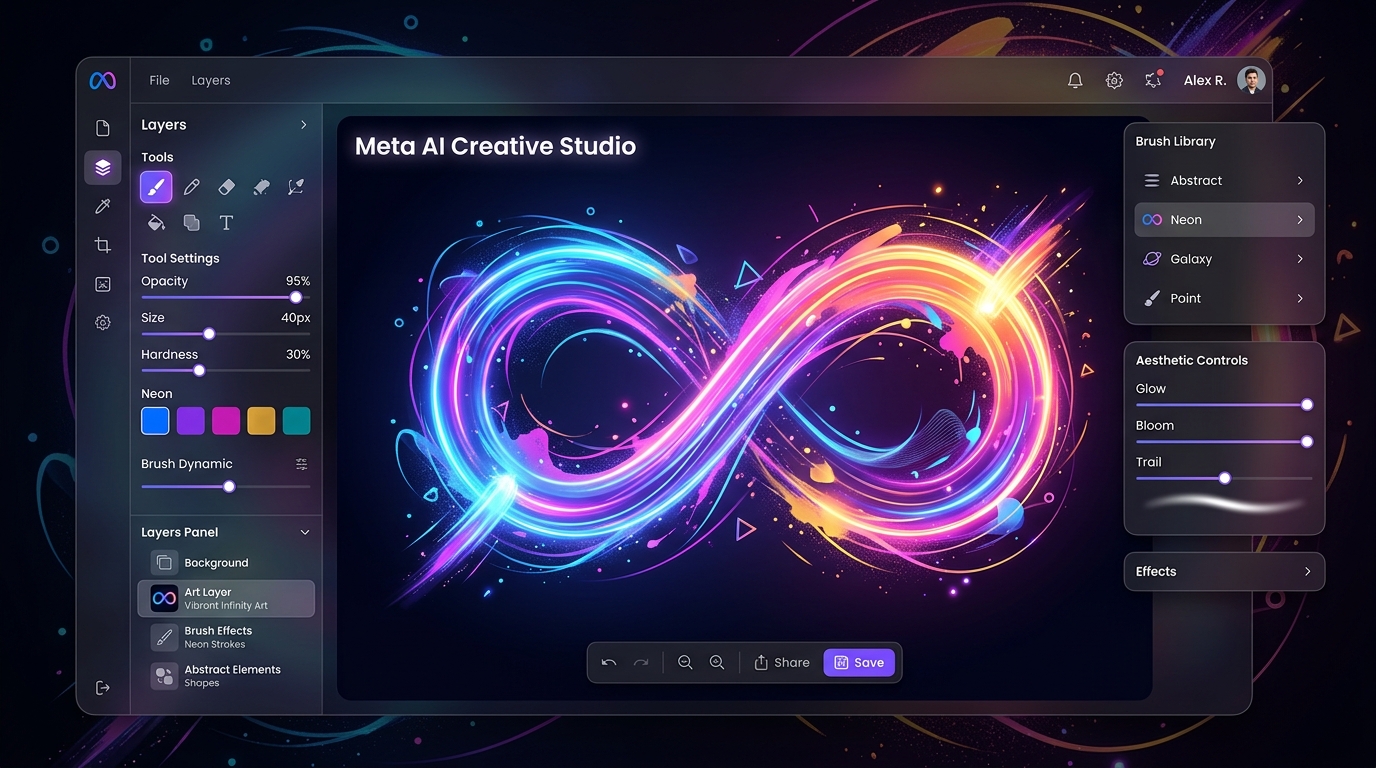
Muse’s greatest strength is its deep integration with Meta AI. By typing natural language instructions inside your favorite Meta social or workspace apps, you can generate graphics, edit specific regions of a photo, and perform complex math or coding operations. Although its initial release faced privacy discussions concerning Instagram photo usage, the refined model remains one of the most accessible and powerful free tools on the market today.
Key Highlights:
- Complete Suite: Generates images, edit drafts, renders video, and handles logical reasoning.
- Social Integration: Directly available in Meta AI chat platforms.
- Price: Free for general public queries.
Google Video Remix: Studio-Quality Edits in Google Photos
On the other side of visual generation, Google has integrated its multimodal Gemini Omni model directly into Google Photos with Google Video Remix. This tool takes standard videos captured on your mobile device and transforms them using generative styles, advanced background swaps, and intelligent relighting.
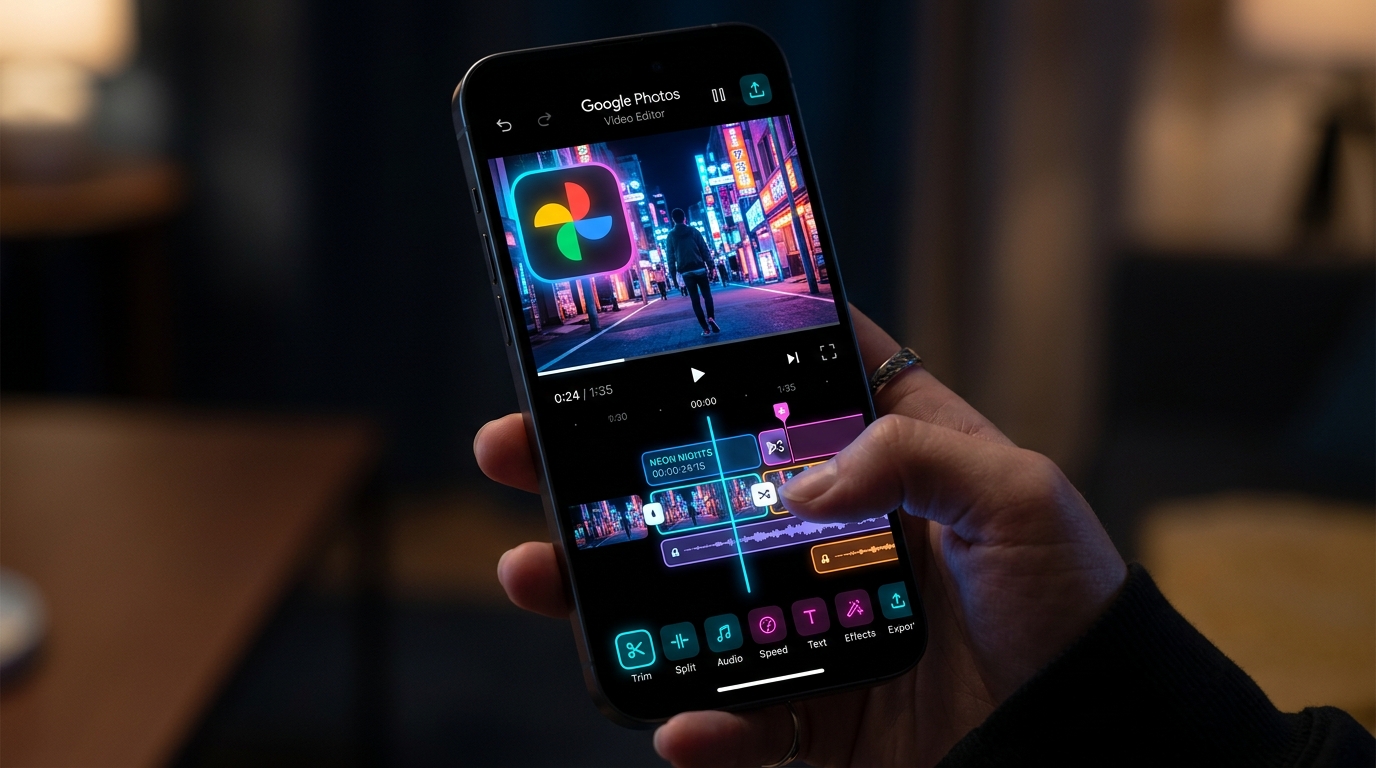
Instead of wrestling with complex keyframes or video timelines in premium editing software, Video Remix operates via one-tap templates and natural language instructions. You can type commands like "apply a watercolor filter to this video" or "make it look like sunset," and the model automatically adjusts exposure, shadows, and textures while keeping visual details coherent. All generated clips are watermarked with Google's SynthID for security.
Key Highlights:
- One-Tap Templates: Transform video clips into 3D animations or watercolor paintings instantly.
- Smart Relighting: Corrects poorly lit scenes with cinematic lighting presets.
- Price: Premium feature gated behind Google One AI plans (Paid).
Comparison: Meta Muse (Metamus) vs. Google Video Remix
| Feature | Meta Muse (Metamus) | Google Video Remix |
|---|---|---|
| Primary Capability | General media generation (Image/Video) and Reasoning | Generative video transformation and stylization |
| Access Method | Meta AI Apps / Web portal | Google Photos app (Create tab) |
| Pricing | Free (Standard tiers) | Paid (Requires Google One AI subscription) |
| Best For | Prompting custom assets from scratch and coding tasks | Stylizing and polishing user-captured phone video clips |
Summary: Which Tool Fits Your Workflow?
If you want to generate images, create new video prompts, or test logical assistant tasks without spending any money, Meta Muse (Metamus) is your best choice. If you want to transform your existing phone video memories into cinematic, stylized clips with one-tap ease, Google Video Remix is the ideal solution to add to your toolkit.