A handful of major AI releases landed in the same week — two new Google media models, a new bridge between AI agents and the popular ComfyUI platform, and two new Claude models from Anthropic. If you're new to AI tools, that's a lot to process at once, and most coverage either buries you in developer jargon or reads like a press release.
This guide skips the hype and answers the question beginners actually have: which tool should I use, is it free, and how hard is it to get started? We'll cover four tools — Nano Banana 2 Light, Gemini Omni Flash, Comfy MCP, and Claude Sonnet 5 vs. Fable 5 — with a simple decision table you can use right now.
Which AI Tool Should You Use? (Quick Answer)
If you just want the short version: use Nano Banana 2 Light for fast, cheap AI images, Gemini Omni Flash for editing or generating short video clips, Comfy MCP if you want an AI agent to run advanced image/video workflows for you without learning a complicated interface, and Claude Sonnet 5 for everyday writing, coding, and chat — saving Fable 5 for harder, longer tasks where you're willing to pay a premium.
| Tool | Best For | Free Option? | Beginner-Friendly? |
|---|---|---|---|
| Nano Banana 2 Light | Fast, cheap AI images | Limited free tier via Google AI Studio | Yes |
| Gemini Omni Flash | Short AI video generation & editing | Limited promo credits, no generous free tier | Moderate |
| Comfy MCP | Letting an AI agent run image/video workflows for you | Free to connect; cloud processing may cost credits | Moderate (improving) |
| Claude Sonnet 5 | Everyday chat, writing, coding | Included in Claude's free/Pro plans | Yes |
| Claude Fable 5 | Complex, long-horizon reasoning and coding tasks | No free tier | No (paid only) |
What Is Nano Banana 2 Light?
Nano Banana 2 Light is Google's fast, lightweight AI image generator, built to produce images in about four seconds at a very low cost per image. It sits below the full Nano Banana 2 model and the higher-control Pro version in Google's image-model lineup, trading a small amount of quality for a big gain in speed and price.
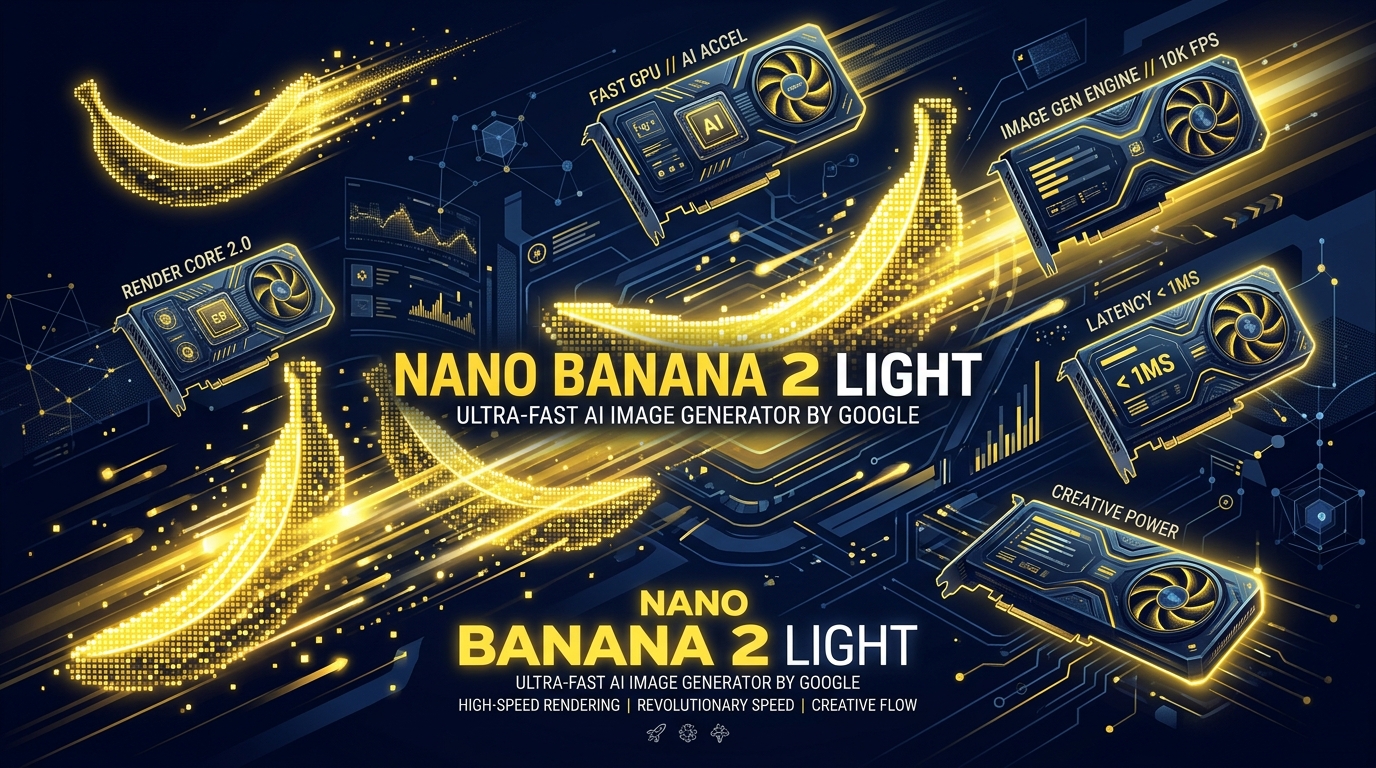
For beginners, the practical difference is simple: if you're generating a lot of images quickly — thumbnails, drafts, social posts — Light gets you there faster and cheaper. If you need maximum detail or fine control over a single image, the full Nano Banana 2 or Pro versions are worth the extra time and cost.
Is Nano Banana 2 Light Free?
Nano Banana 2 Light has a rate-limited free tier through Google AI Studio, meaning you can generate images at no cost up to a certain number per minute before you'd need a paid plan. Heavier or commercial use requires moving to a paid API plan, which is priced per 1,000 images and is deliberately positioned as one of the cheapest image-generation options available.
Nano Banana 2 Light vs. Nano Banana 2 Pro: Which Should You Pick?
Choose Light when speed and volume matter more than maximum image quality — for example, testing multiple prompt ideas quickly or generating batches of simple graphics. Choose the full Nano Banana 2 or Pro version when you need sharper detail, more accurate text rendering, or tighter control over a single, important image.
What Is Gemini Omni Flash?
Gemini Omni Flash is Google's new AI video generation and editing model, designed to let you describe changes to a video in plain English instead of using traditional editing software. You can feed it an existing video, image, or text prompt, and it will generate or modify short clips — including tasks like changing the weather in a scene, swapping out an object, or adjusting the visual style.
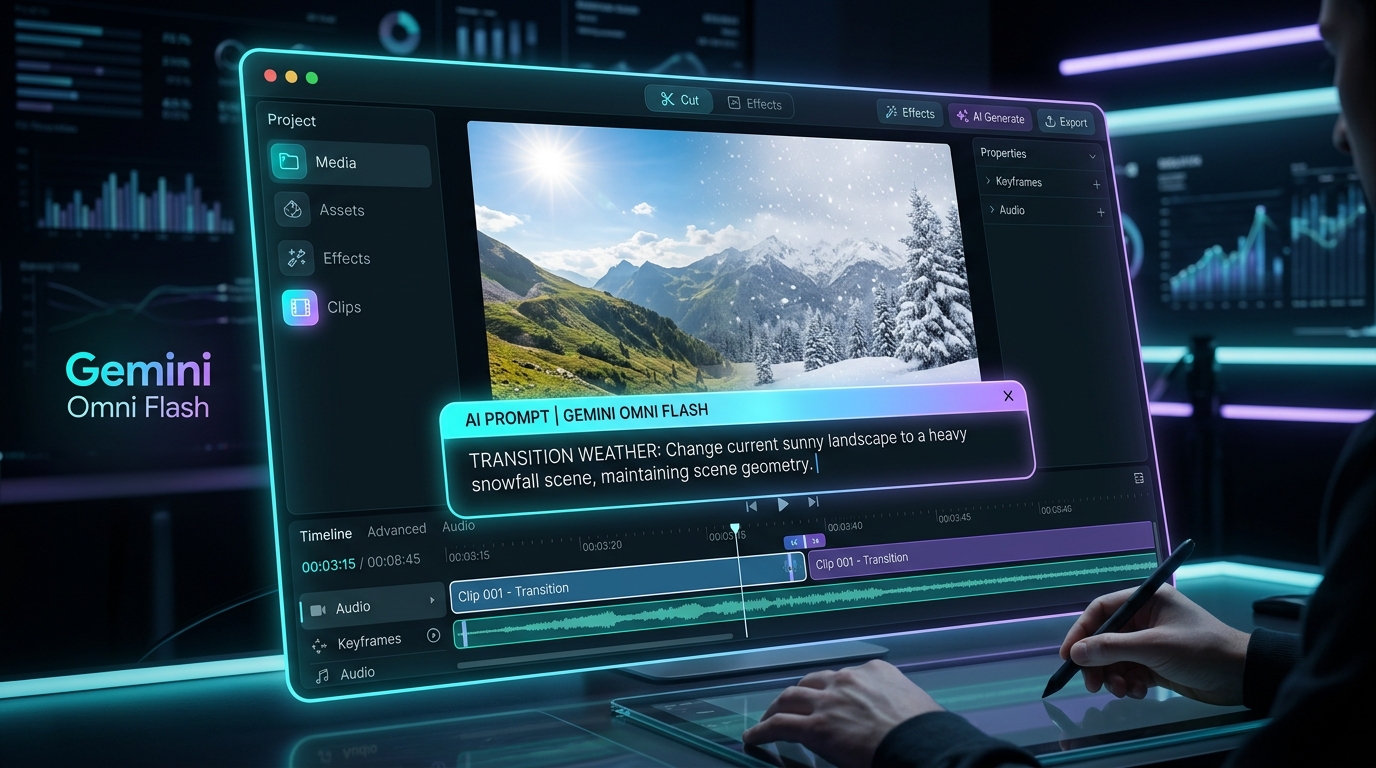
This matters for beginners because traditional video editing has a steep learning curve. Omni Flash removes most of that by letting you type what you want changed rather than manually cutting, keying, or masking footage yourself.
What Are Gemini Omni Flash's Limits?
Gemini Omni Flash currently outputs clips capped at a short runtime and a maximum resolution before requiring an upscale step, and it's priced per second of video generated rather than as a flat monthly fee. It's currently in public preview, which means both pricing and limits could still shift, so it's worth checking Google's official documentation before committing to heavy use.
Is Gemini Omni Flash Free to Use?
Gemini Omni Flash doesn't have a generous standalone free tier; access typically comes through limited promotional credits on Google's platforms or through paid Google AI plans. If you want to try it without spending money first, look for partner platforms currently offering trial credits rather than expecting unlimited free generations.
What Is Comfy MCP, and Do You Need a Powerful PC?
Comfy MCP is a bridge that lets AI agents — like Claude or Cursor — control ComfyUI, the popular node-based interface for running open-source image, video, and audio generation models. Instead of manually connecting nodes and configuring workflows yourself, you can describe what you want in plain language, and the connected AI agent builds and runs the workflow for you.
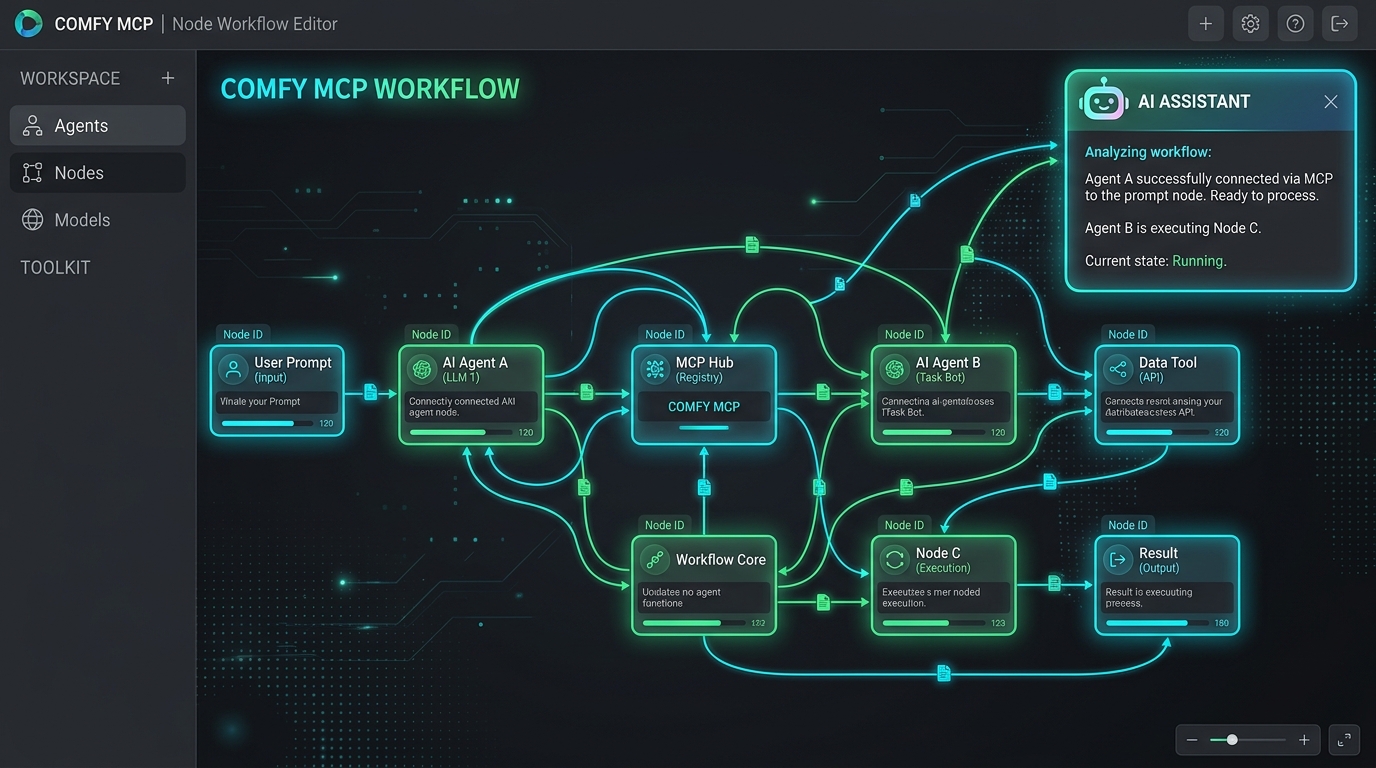
You do not need a high-end graphics card to use Comfy MCP if you're using it through Comfy Cloud's hosted infrastructure, since the actual processing happens remotely rather than on your own machine. That's the single biggest beginner-relevant detail competitors tend to bury: this tool is explicitly designed to let people with modest hardware run workflows that normally require an expensive local GPU setup.
How Do You Get Started With Comfy MCP as a Beginner?
- Connect an MCP-compatible AI agent (such as Claude or Cursor) to Comfy MCP through its public beta setup.
- Describe your goal in plain language — for example, "generate a product photo and upscale it."
- Let the agent select and run the workflow using its access to ComfyUI's nodes and templates, rather than you building the workflow manually.
- Review and refine the output by giving follow-up instructions in natural language.
Comfy MCP is currently in public beta and free to connect, though running workflows through Comfy Cloud's remote processing may require paid credits once you go beyond light use.
Claude Sonnet 5 vs. Fable 5: Which One Should You Use?
Claude Sonnet 5 is Anthropic's balanced, everyday model — built for speed, general reasoning, coding, and writing at a lower cost than Anthropic's top-tier model. Claude Fable 5 is Anthropic's more powerful, higher-cost model, aimed at complex, long-horizon tasks like advanced coding, deep research, and extended agentic work.
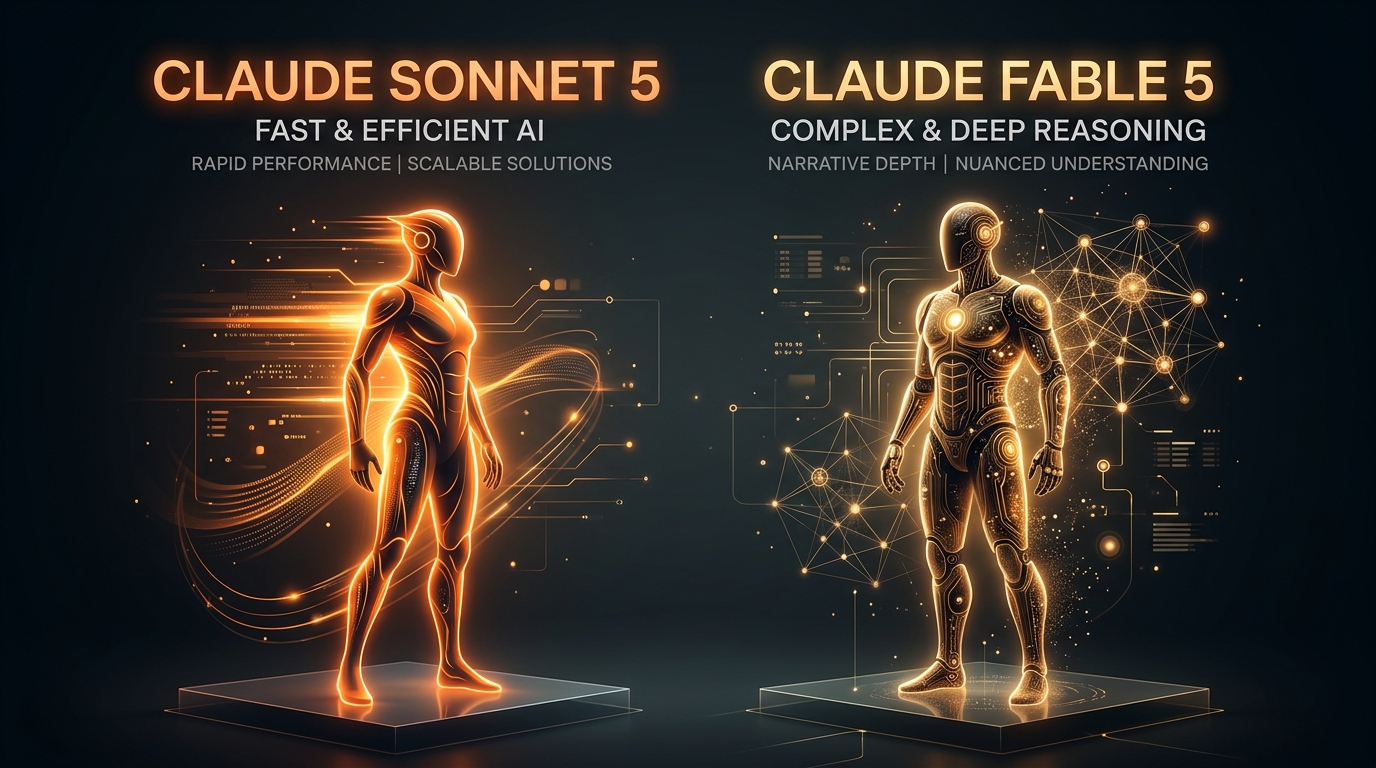
For most day-to-day tasks — drafting an email, debugging a small script, brainstorming content ideas — Sonnet 5 is the better choice: it's faster, cheaper, and included in standard Claude plans. Fable 5 earns its higher price on genuinely difficult, multi-step problems where its extra reasoning depth pays off, but it isn't the right default for routine work.
Is Claude Sonnet 5 Worth It?
Claude Sonnet 5 is worth using as your default model for most everyday writing, coding, and chat tasks, since it's included in standard Claude plans and priced well below Fable 5. Save Fable 5 for the specific moments where a task is complex enough to justify its higher per-token cost.
What Happened to Claude Fable 5? (Why Was It Restricted?)
Claude Fable 5 was briefly restricted shortly after its initial release due to U.S. export control requirements, then restored once Anthropic implemented additional safety measures and coordinated with regulators. If you're researching Fable 5 and see references to an access suspension, that refers to this brief restriction-and-restoration period rather than an ongoing issue.
Claude Sonnet 5 and Fable 5 Pricing at a Glance
| Model | Best For | Free Tier | Notes |
|---|---|---|---|
| Claude Sonnet 5 | Everyday chat, writing, coding | Included in Claude Free/Pro plans | Lower cost per token than Fable 5 |
| Claude Fable 5 | Complex, long-horizon reasoning & coding | Not available on free tiers | Higher cost per token; briefly restricted and later restored |
Pricing and access details for both models can change — check Anthropic's official pricing page for the current figures before making a purchasing decision.
Chaining These Tools Together: A Beginner Workflow Example
One underused trick is combining these tools instead of treating them as separate options. For example, you could generate a character image with Nano Banana 2 Light, then hand that image to Gemini Omni Flash with a natural-language prompt to animate it into a short clip — turning a single still image into a moving scene without touching traditional animation software.
Similarly, Comfy MCP lets you connect a conversational AI agent to more advanced open-source workflows, so once you've prototyped an idea quickly with Google's tools, you could hand off more complex, multi-step generation tasks to an agent running through ComfyUI.
Frequently Asked Questions
Which AI image generator is actually free?
Nano Banana 2 Light offers the most usable free access among the tools covered here, through a rate-limited free tier in Google AI Studio, though heavy use still requires a paid plan.
Do I need a powerful graphics card to use Comfy MCP?
No — Comfy MCP can run through Comfy Cloud's remote processing, so a modest laptop can still trigger advanced ComfyUI workflows without local GPU hardware.
Is Claude Sonnet 5 better than Claude Fable 5?
Sonnet 5 isn't "better" overall — it's faster and cheaper for everyday tasks, while Fable 5 is built for harder, longer-horizon work and costs significantly more per token.
Can Gemini Omni Flash edit just one part of a video, or do I have to regenerate the whole clip?
Gemini Omni Flash supports natural-language editing of specific elements in a scene, such as changing an object or the weather, without requiring a full regeneration of the entire clip.
Is Nano Banana 2 Light better than Nano Banana 2 Pro?
Light is better when speed and cost matter most; Pro is better when you need higher image quality or finer control, so the right choice depends on your priority for that specific task.
This article reflects tool pricing, limits, and availability as of July 2026. AI tools and their pricing change frequently — check each provider's official page for the most current details before making a decision.